Short answer
Most thermostat problems are simple: wrong mode or setpoint, dead batteries, a tripped breaker, or a schedule overriding your setting. Confirm COOL or HEAT mode, replace batteries, check the breaker, and review any programmed schedule. If the screen stays blank or the system ignores a working thermostat, call a licensed HVAC pro.
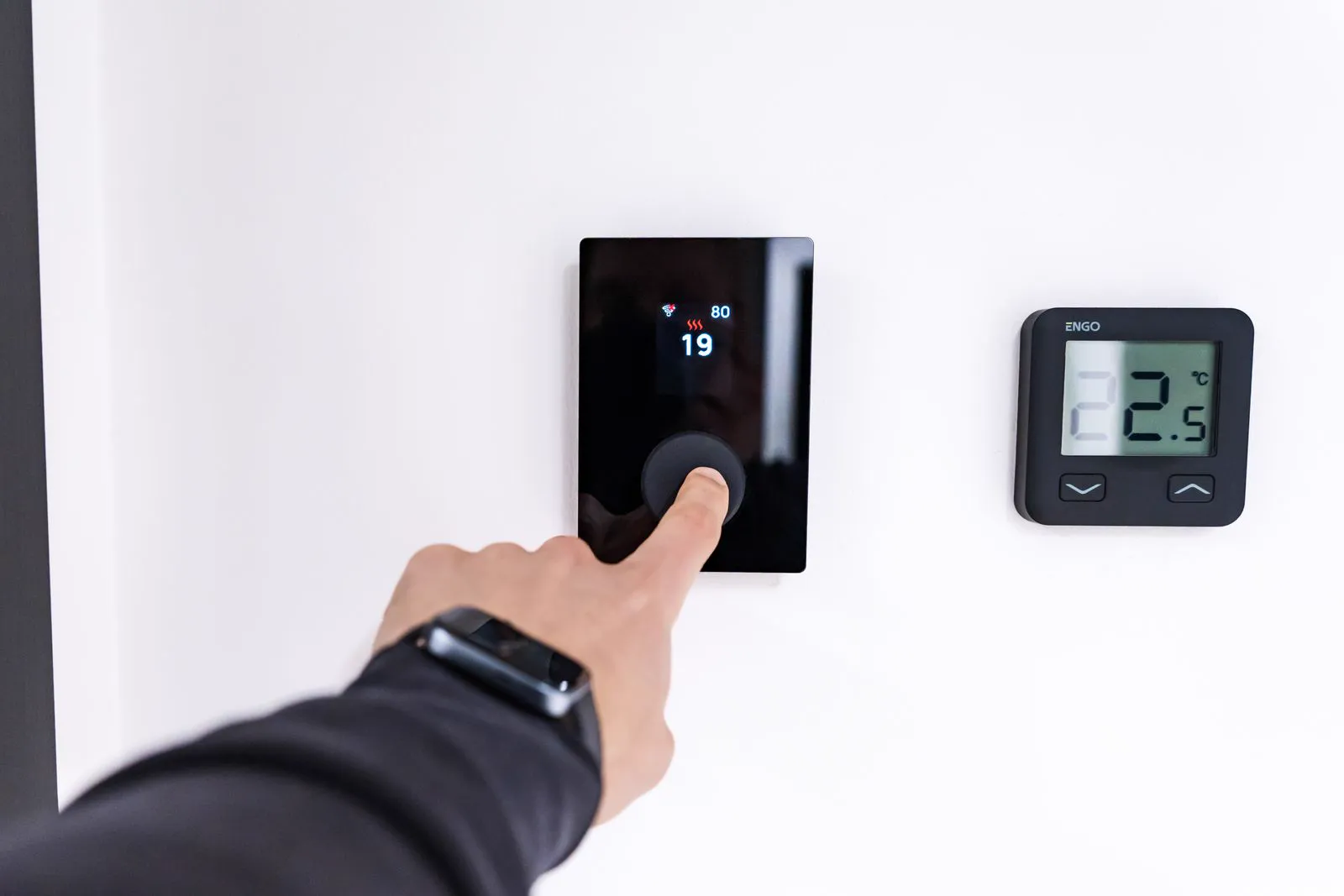
Confirm the basics: mode, setpoint, and schedule
Before anything else, read the thermostat like a checklist: is it in the right mode (COOL in summer, HEAT in winter — not OFF, not FAN-only), is the setpoint actually calling for heating or cooling (a few degrees below room temperature for cooling, above for heating), and is the fan set to AUTO rather than ON?
Then check the schedule. Programmable and smart thermostats follow schedules that override manual changes — you set 72°F, the schedule drags it back to 78°F at the next programmed period, and it looks like the thermostat is ignoring you. Review the programmed periods, or use the temporary hold feature when you want manual control for a few hours.
Batteries, breakers, and blown fuses
A blank or unresponsive thermostat usually lost power. For battery models, replace the batteries first — weak batteries cause a special kind of misery where the screen works but the system behaves erratically. For hardwired models (including most smart thermostats), check the breaker for the indoor air handler or furnace; the thermostat gets its power from that equipment.
If the breaker is fine but the thermostat is dead, the low-voltage fuse on the indoor unit's control board may have blown — often from a short during a DIY thermostat installation or from damaged thermostat wire. The fuse is a small automotive-style component on the control board, but reaching it means opening the air handler panel near high-voltage components, so many homeowners reasonably leave this one to a pro.
Calibration and placement problems
A thermostat that runs the system too long or shuts it off too early may be miscalibrated or badly placed. Thermostats near heat sources — direct sunlight, lamps, TVs, kitchen appliances, or a supply vent blowing on them — read a false temperature and mislead the whole system. So do thermostats on poorly insulated exterior walls or in drafty hallways.
If the temperature on screen consistently disagrees with a reliable thermometer placed nearby, check for a calibration or temperature offset setting in the menu — many models allow a degree or two of correction. A thermostat that has always been in a bad spot is worth relocating during your next service visit rather than fighting forever.
Wiring and compatibility: know your limits
Thermostat wiring is low-voltage, which tempts DIY — and swapping a basic thermostat for a like-for-like model is genuinely a common homeowner project. But smart thermostats often need a C-wire (common wire) for continuous power, and homes with older wiring may not have one. Adapters and rewiring exist, but miswiring can blow the control board fuse or damage the new thermostat.
Compatibility matters too: heat pumps, multi-stage systems, and communicating equipment need thermostats configured for that equipment type. A thermostat wired and configured for a conventional furnace will misbehave on a heat pump. If your system has auxiliary or emergency heat, verify the thermostat is set up to control staging correctly — this is a common source of mysteriously high winter bills.
- Safe DIY: batteries, settings, schedules, cleaning dust from inside the cover.
- Caution: thermostat replacement — photograph every wire before disconnecting anything.
- Call a pro: no C-wire and you are unsure, blown control-board fuse, miswired system, high-voltage line-voltage thermostats.
- Never work on wiring with the breaker on — verify power is off first.
When the thermostat is not the problem
Sometimes the thermostat is doing its job and the equipment is not listening: the system runs constantly without reaching the setpoint, or nothing happens at all despite a correct call for heating or cooling. At that point the fault is downstream — airflow restrictions, refrigerant issues, failed capacitors or contactors, or a control board problem.
The thermostat is the messenger, not the machine. If you have confirmed settings, power, and schedule and the system still misbehaves, describe exactly what the thermostat shows and what the equipment does when you call a technician — that contrast is the most useful diagnostic information you can provide.